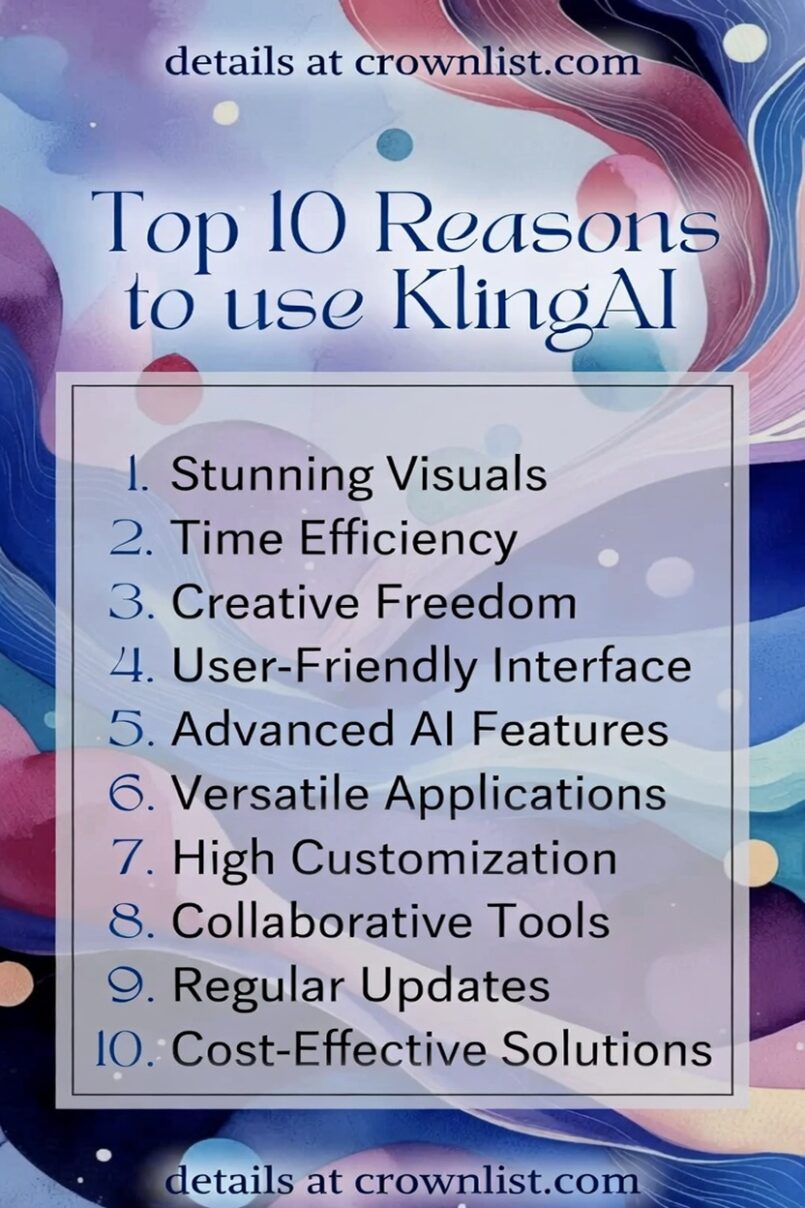
1. Stunning Visual Quality
Kling AI delivers exceptional 1080p videos with lifelike motion, realistic physics (like water ripples, fabric flow, and lighting reflections), and sharp details that often surpass competitors, making your generated content look cinematic and professional right out of the tool.
2. Time Efficiency
Generate high-quality videos in minutes instead of hours or days—features like faster generation modes (e.g., Turbo in recent updates) and quick iterations let creators produce polished clips rapidly, ideal for content creators, marketers, and filmmakers on tight deadlines.
3. Creative Freedom
With advanced text-to-video, image-to-video, and multimodal inputs, Kling gives you immense flexibility to bring any idea to life—from complex scenes with multiple characters to imaginative concepts—without traditional filming or animation skills.
4. User-Friendly Interface
The platform’s intuitive web and app interface makes it accessible for beginners and pros alike, with simple prompt entry, easy controls for camera movements (pan, tilt, zoom), and features like lip-syncing or motion brushes that don’t require a steep learning curve.
5. Advanced AI Features
Kling stands out with cutting-edge capabilities like strong character consistency across scenes, precise motion control, lip-sync for talking characters, virtual try-on, and enhanced models that handle complex physics and multi-shot continuity better than many rivals.
6. Versatile Applications
Use it for everything from social media UGC, marketing videos, product demos, storytelling shorts, educational content, to professional filmmaking prototypes—its ability to create up to 2-minute clips in 1080p at 30fps supports a wide range of creative and commercial needs.
7. High Customization
Granular controls let you fine-tune camera angles, subject movements, styles, and elements (e.g., reference multiple images for feature locking), giving you director-level precision to match your exact vision without compromising on quality.
8. Collaborative Tools
Built-in options for team workflows, sharing projects, and iterative edits make it easy to collaborate with others, while regular feature drops (like new motion brushes or enhanced models) keep the tool evolving for group or agency use.
9. Regular Updates
Kuaishou frequently releases improvements—such as better quality models, speed boosts, cost reductions, and new features (e.g., Kling 2.0/2.5 with superior realism and efficiency)—ensuring users always have access to state-of-the-art AI video tech.
10. Cost-Effective Solutions
Affordable entry plans, credit-based pricing with occasional free tiers, and competitive rates (especially compared to premium tools like Sora or Runway) make high-end AI video generation accessible to indie creators, small teams, and hobbyists without breaking the bank.