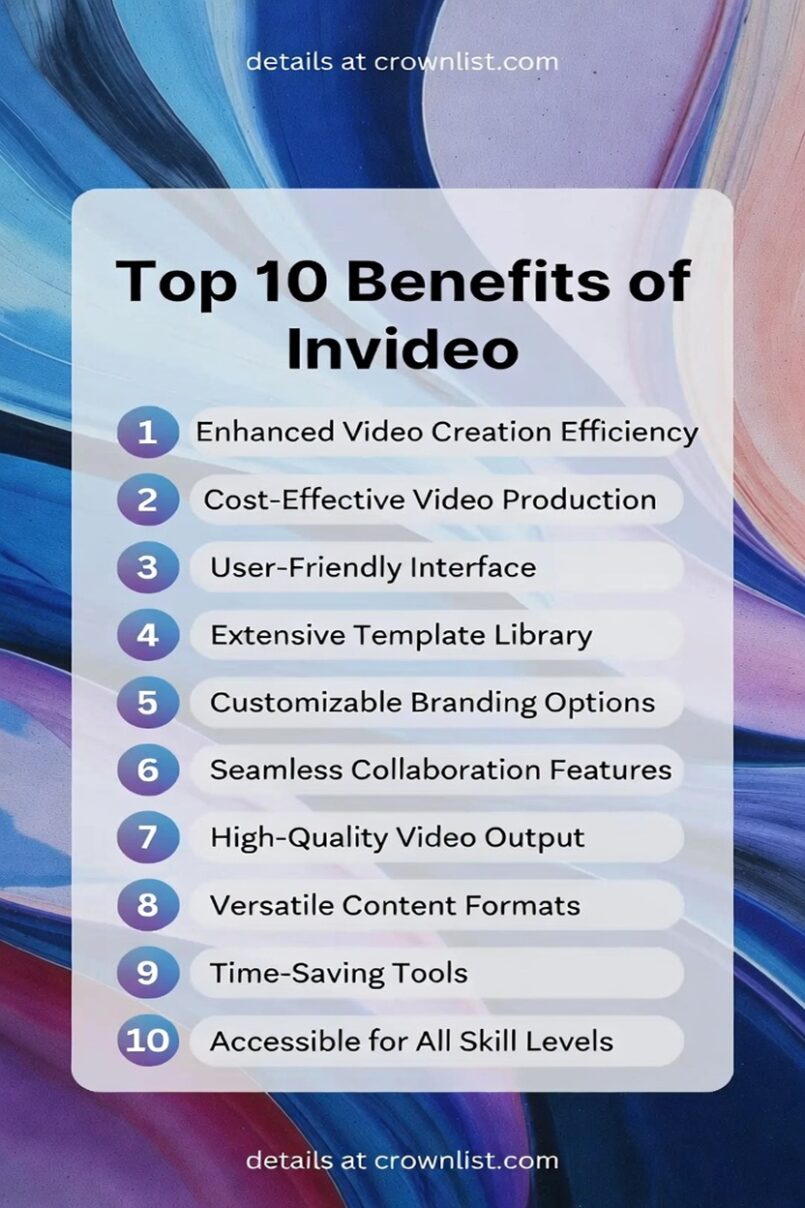
1. Extremely Fast Video Creation
InVideo allows users to turn text prompts, scripts, or ideas into complete videos in just minutes, with AI automatically handling scene selection, visuals, transitions, and music—perfect for creators, marketers, and businesses needing to produce high volumes of content quickly without spending hours editing.
2. User-Friendly Interface for Beginners
The platform features an intuitive, no-learning-curve design that makes professional video editing accessible to non-technical users, enabling anyone to create polished videos without prior experience in complex software like Premiere Pro or After Effects.
3. AI-Powered Automation and Smart Editing
InVideo’s AI tools automate key tasks such as generating scenes from text, suggesting intelligent edits, matching music to content, adding transitions, and even creating human-sounding voiceovers, drastically reducing manual work while maintaining high-quality output.
4. Vast Library of Stock Media and Templates
With access to millions of royalty-free stock videos, images, music tracks (including from partners like iStock and Shutterstock), plus thousands of customizable templates tailored for platforms like YouTube, Instagram, TikTok, and more, users can build engaging videos without sourcing assets elsewhere.
5. Cost-Effective Video Production
Compared to hiring editors, videographers, or investing in expensive software/hardware, InVideo offers affordable plans that deliver professional results, making high-quality video content scalable and budget-friendly for individuals, startups, and teams.
6. Multilingual Support and Voiceovers
InVideo supports creating videos in multiple languages with automated text-to-speech in realistic voices, plus options for voice cloning, subtitles, and translations—ideal for reaching global audiences or localizing content effortlessly.
7. Customizable and Brand-Consistent Output
Users can easily incorporate logos, colors, fonts, custom media uploads, and branding elements throughout videos, ensuring every piece aligns with brand guidelines while the AI handles professional motion, effects, and formatting.
8. High-Quality and Versatile Exports
Videos export in HD (or higher) without bugs, optimized for various formats like social media shorts, ads, explainers, stories, or long-form content, with options for different aspect ratios and platforms to maximize reach and engagement.
9. Time-Saving Features for High-Volume Creators
Tools like quick edits (trimming, text swaps, visual changes), real-time previews, collaboration options, and generative AI elements help streamline workflows, allowing creators to produce more content in less time and meet tight deadlines consistently.
10. Excellent Support and Community Resources
InVideo provides 24/7 customer support, a helpful community (including Discord and Facebook groups), tutorials, and regular updates—ensuring users get quick help, stay inspired, and benefit from ongoing improvements to the platform.